
Back to Categories
📝information-viz

information-viz AI Prompts

51 prompts·Real examples
Cinematic Building Macro

Cinematic Building Macro

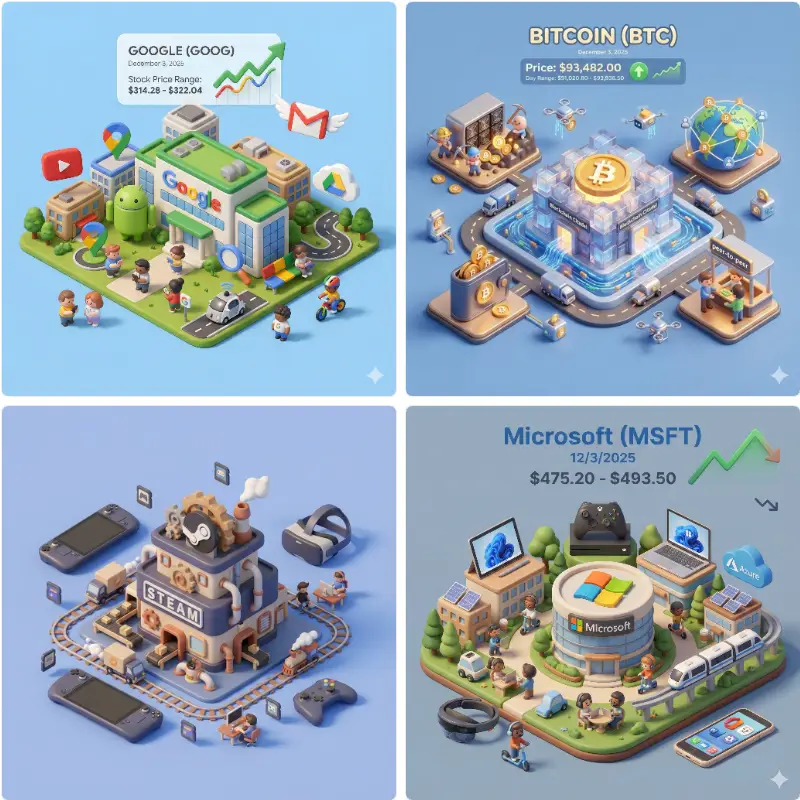
Present an exquisite, miniature 3D cartoon-style scene of the company corresponding to the user-specified company name or stock ticker, clearly viewed...

3d Macro Image

3d Macro Image

Please generate a magical tarot reading image following the rules below: 【INPUT】 - User Birthday: {user_birthday} - Today's Date: Automatically retr...

Landscape Person Black White

Landscape Person Black White

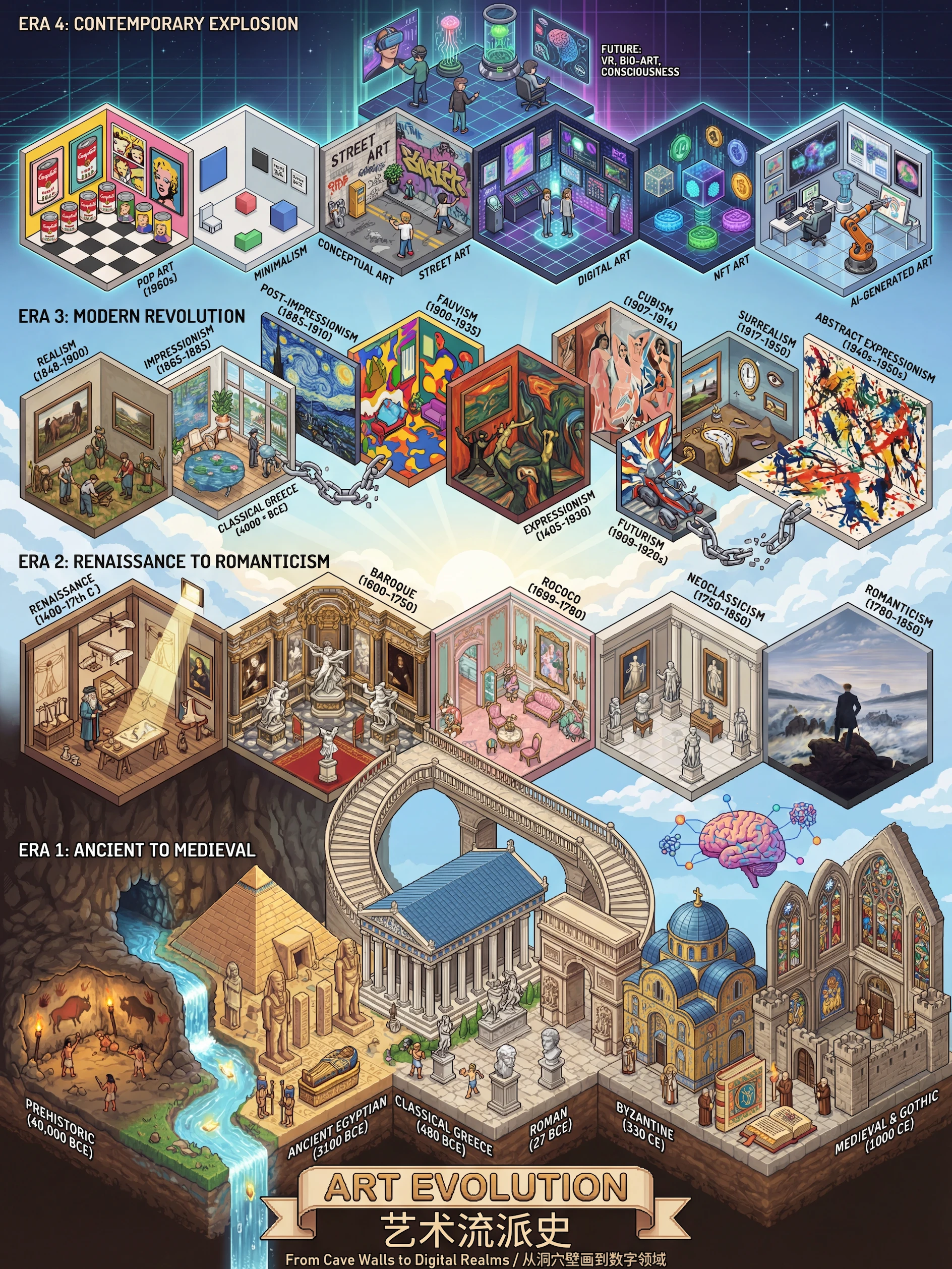
Create a highly detailed isometric pixel art illustration of art movements history timeline in 3:4 aspect ratio at 4K resolution. This should be an in...

Fashion Woman Image

Fashion Woman Image

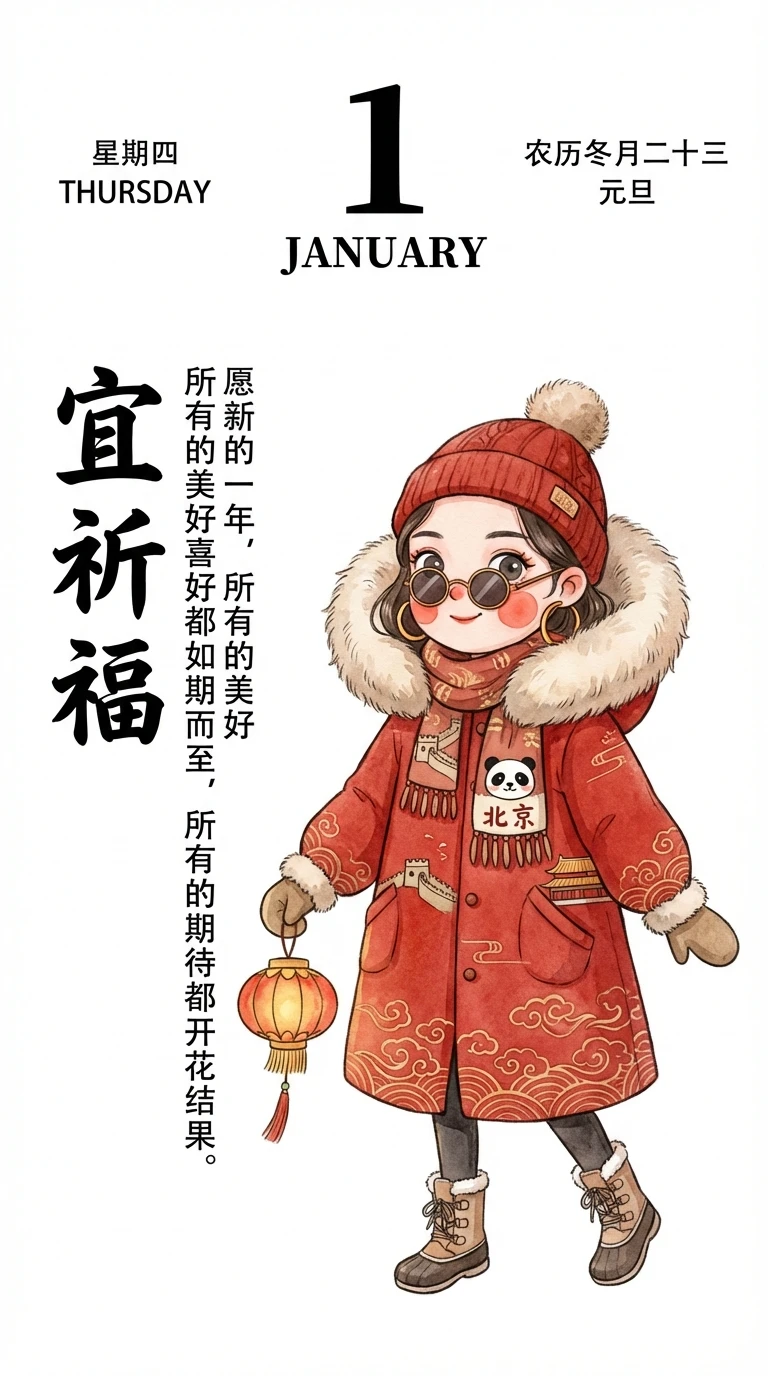
Please generate a cute and stylish vertical (9:16) calendar illustration in a fresh and bright hand-drawn illustration style: 1. Illustration Requirem...

Portrait Extract Themes

Portrait Extract Themes

Extract core themes and key points from the above content, and generate a chalkboard-style infographic: Use a black chalkboard background with chalk h...

Minimalist Person Image 1

Minimalist Person Image 1

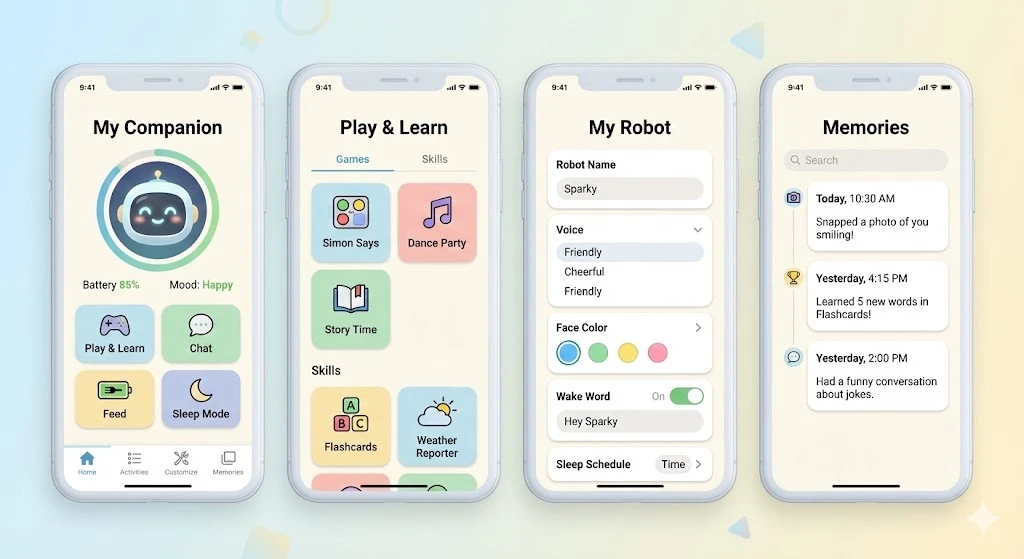
Please create 4 UI interface diagrams of the same style for the control app of the "desktop companion robot", with a simple and modern design, in ligh...

Infographic Shows Image

Infographic Shows Image

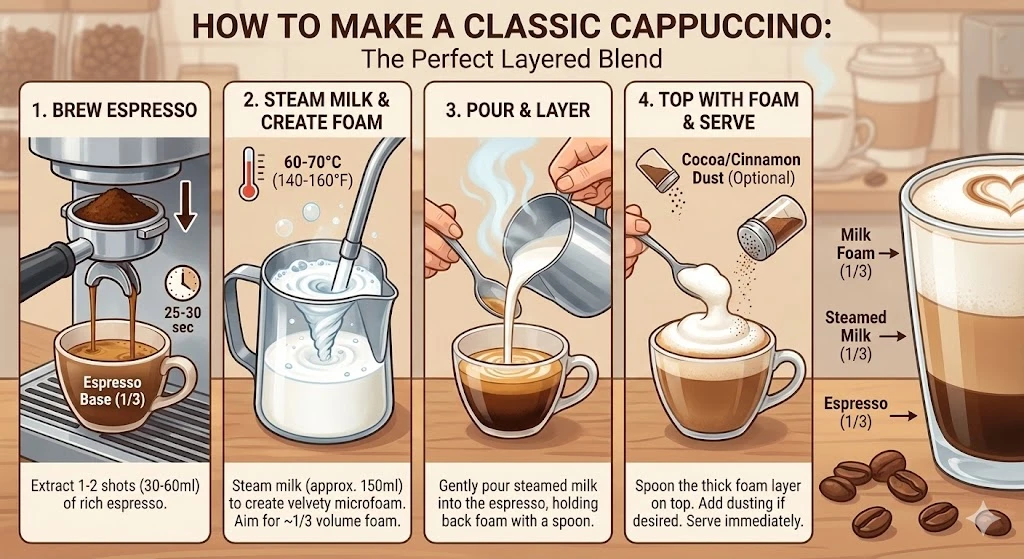
Create an infographic that shows how to make Cappuccino

Minimalist Infographic Illustrate

Minimalist Infographic Illustrate

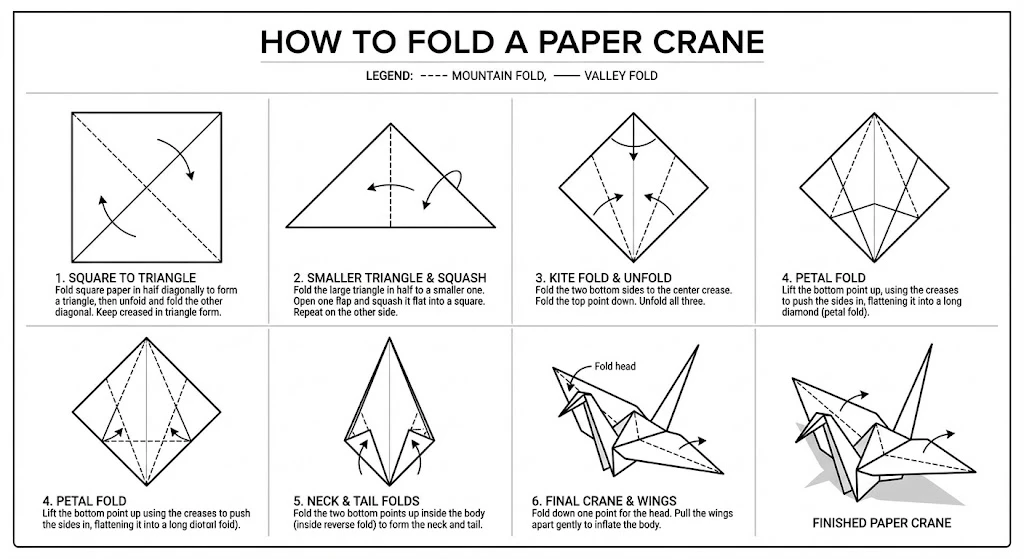
Create an infographic to illustrate "How to Fold a Paper Crane". Include a breakdown diagram of the 6 key folding steps, with the direction of the cre...

Anime Building Image

Anime Building Image

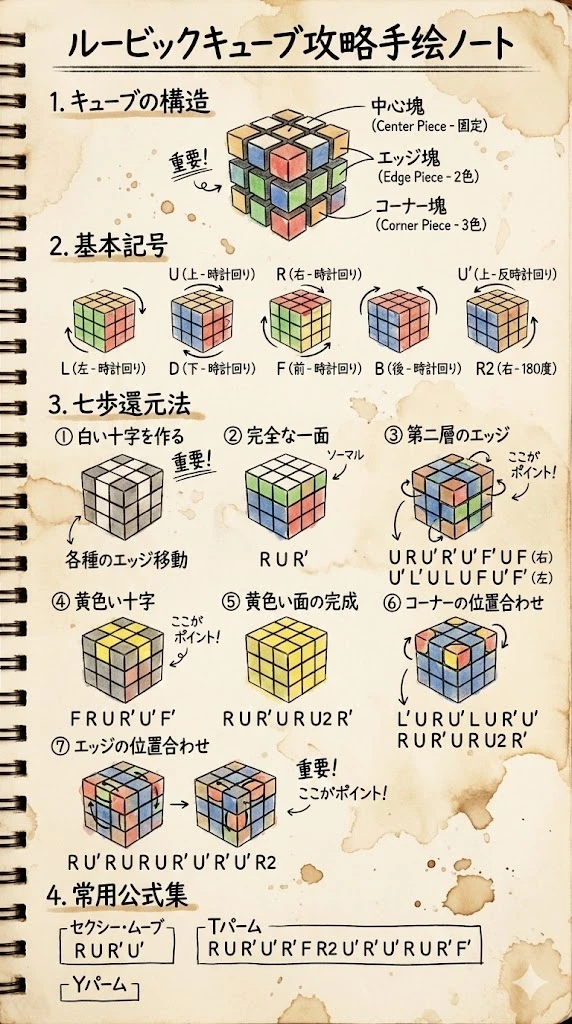
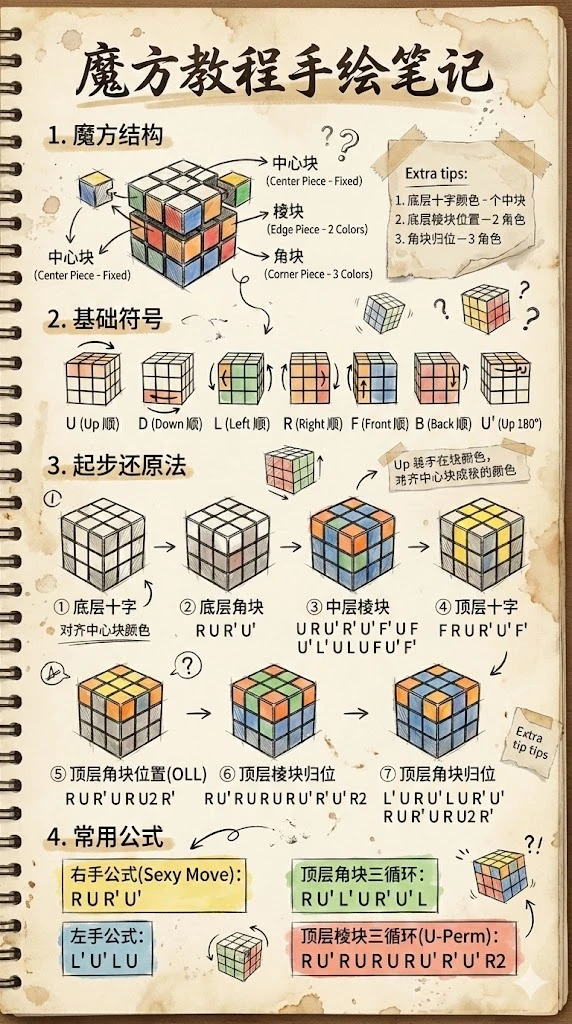
Hand-drawn notes for Rubik's Cube tutorial. Including cube structure, basic symbols, seven-step method and common formulas. 9:16, 2k. Hand-drawn text ...

Abstract Building Black White

Abstract Building Black White

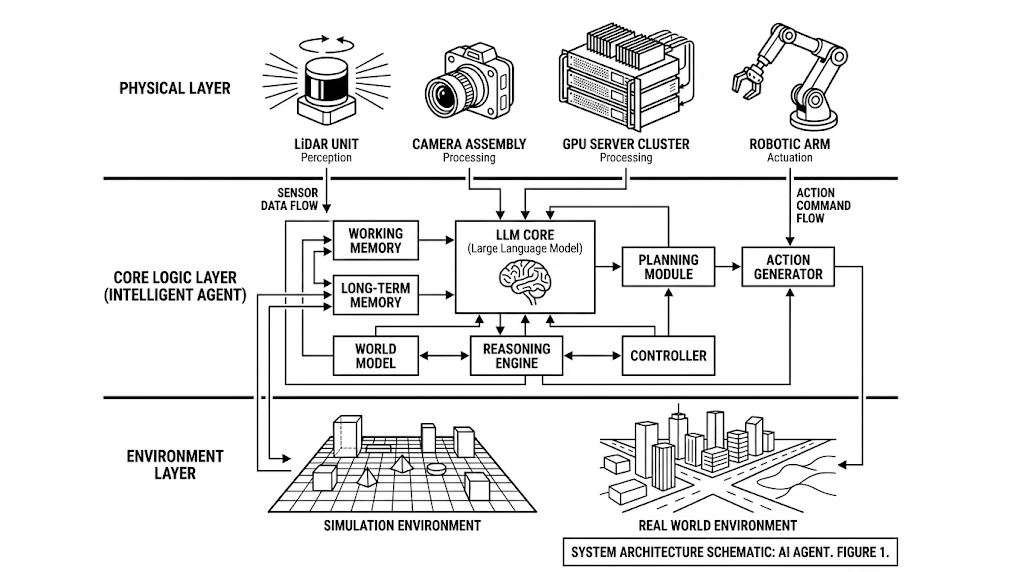
An academic paper-level engineering schematic diagram with the theme of AI Agent System Architecture. Black and white line art style, similar to paten...

Building Notes Tutorial

Building Notes Tutorial

Hand-drawn notes for Rubik's Cube tutorial. Including cube structure, basic symbols, beginner's method and common formulas. 9:16, 2k

Portrait Person Macro

Portrait Person Macro

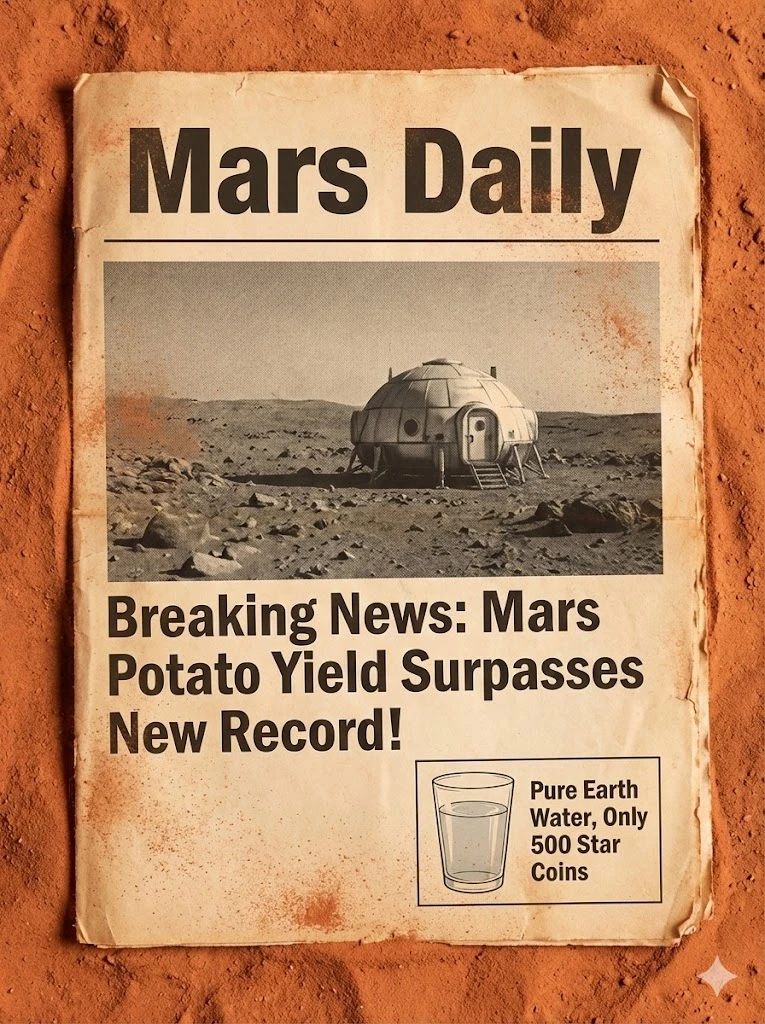
Create a close-up of an old newspaper placed on red sand. The paper is yellowed. The headline uses huge bold letters and reads: "Mars Daily". The fron...

Isometric Macro Image

Isometric Macro Image

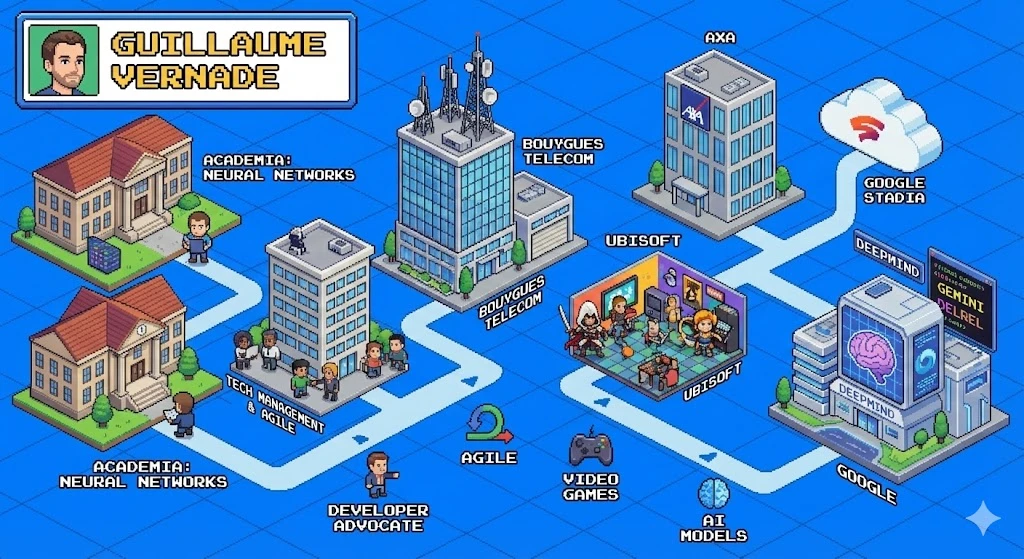
Search the web then generate an image of isometric perspective, detailed pixel art that shows the career of [Guillaume Vernade]

Isometric Macro Image 1

Isometric Macro Image 1

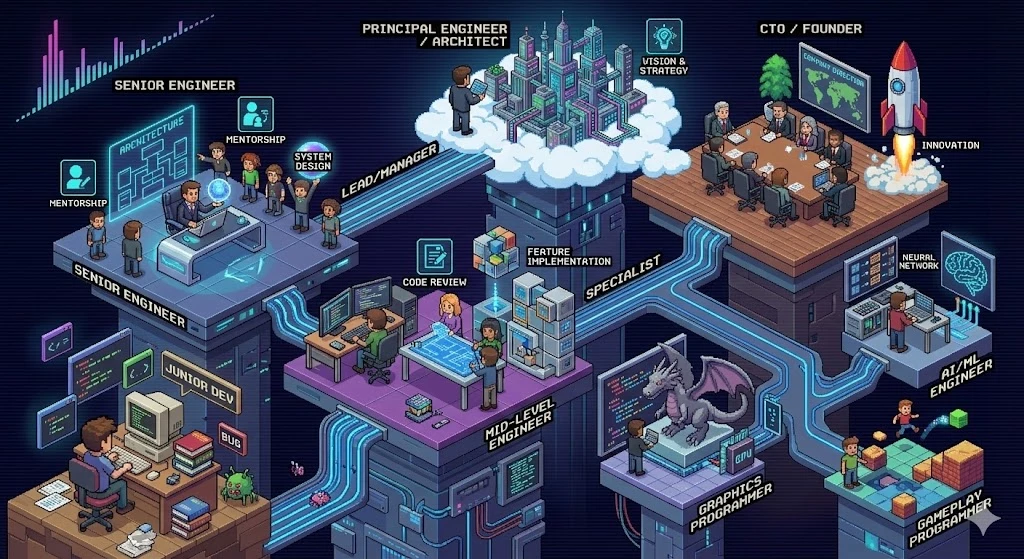
Search the web then generate an image of isometric perspective, detailed pixel art that shows the career of programmer

Nature Calculus Integration

Nature Calculus Integration

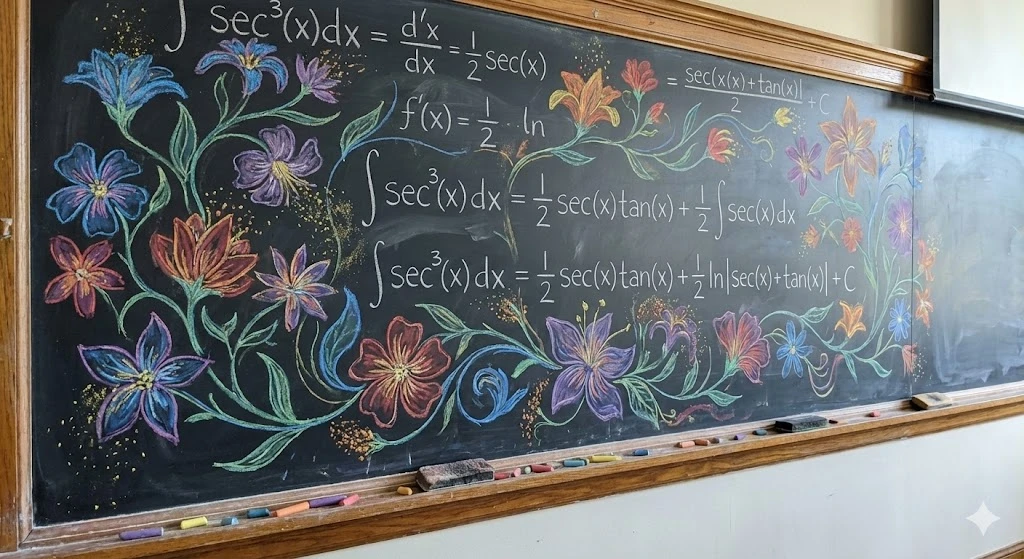
A hard calculus integration problem written and solved on a blackboard, but the text itself and the chalk is sort of turned into this coloured artwork...

Anime Infographic Explaining

Anime Infographic Explaining

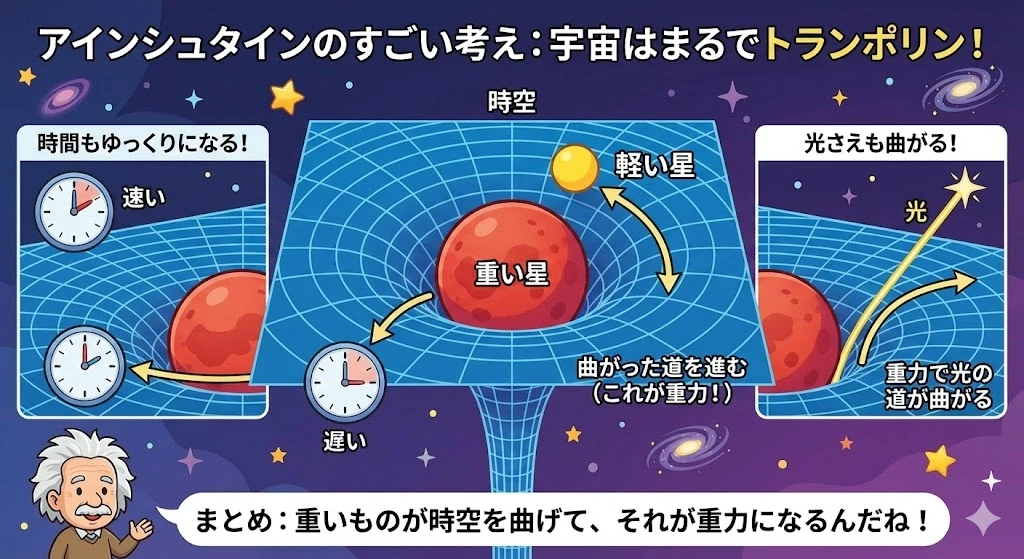
Make an infographic explaining Einstein's theory of General Relativity suitable for a 6th grader in Japanese

Vintage Infographic About

Vintage Infographic About

Show me an infographic about how sonnets work, using a sonnet about bananas written in it, along with a lengthy literary analysis of the poem. Good vi...

Solve Problem Image

Solve Problem Image

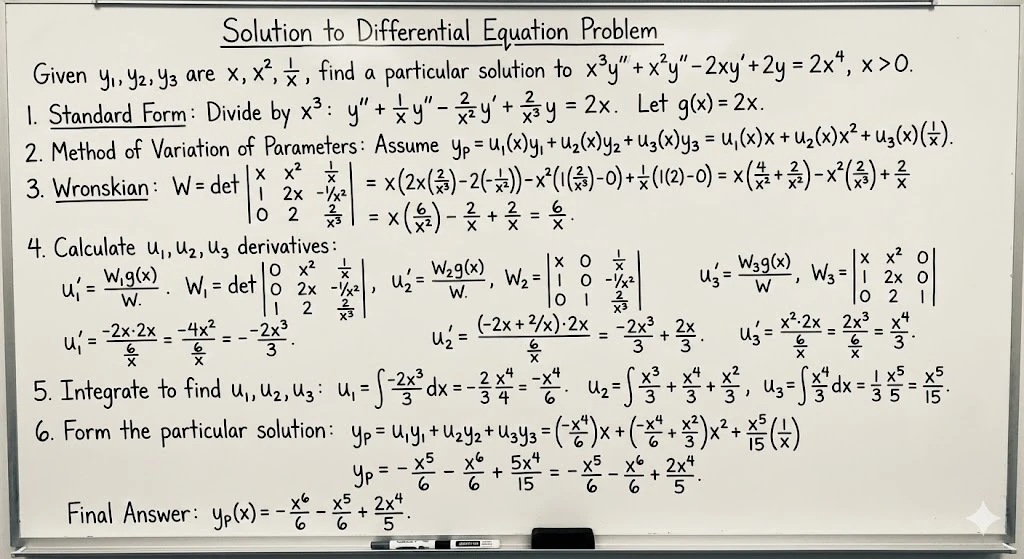
Solve this math problem and write the full solution on a whiteboard

Everything About information-viz Prompts - What Works and What Doesn't

Real talk about information-viz prompts

I've tried a lot of information-viz prompts over the past few months, and this collection has 51 that actually work. What I like about these is that they're not just random text - each one has been tested, and you can see the results right here.

The thing about information-viz prompts is that small changes make a big difference. I'll grab one of these, copy it into my tool, then start tweaking. Maybe I change the lighting, swap a color, or adjust the composition. That's how I get results that match what I'm actually trying to create.

How I Actually Use These

  • I scroll through and look at the example images first. If something catches my eye, I click to see the full prompt. The images tell me way more than the titles do.
  • Once I find something interesting, I copy the prompt text. Then I paste it into whatever tool I'm using - usually Midjourney or Stable Diffusion.
  • Here's the important part: I almost never use prompts exactly as-is. I'll change the subject, adjust colors, modify the style slightly. The prompt is a starting point, not the finish line.

You Might Also Like

Where These Prompts Actually Get Used

I've seen people use information-viz prompts for all kinds of things:

  • Content creators on Instagram and TikTok use them to make posts that get more engagement. The key is finding prompts that match your brand's vibe.
  • Freelance designers I know use these as a base for client work. They'll grab a prompt, generate a few variations, then refine the best one in Photoshop or Figma.
  • Artists and hobbyists experiment with them just to see what happens. Sometimes the best results come from prompts you wouldn't expect to work.

What I Learned the Hard Way

  • The example images are everything. If a prompt doesn't have good examples, I usually skip it. Life's too short to waste time on prompts that don't deliver.
  • Mixing prompts works better than you'd think. I'll take the lighting from one prompt, the style from another, and the composition from a third. The results are often more interesting than any single prompt.
  • I keep a simple spreadsheet of prompts that work well for me. Just the title, what I used it for, and maybe a note about what I changed. It saves me time when I need something similar later.

Questions I Get Asked

Why are the results so different even with the same category?

Because is pretty broad, honestly. One prompt might focus on a specific style, while another emphasizes composition or mood. That's actually good - it means you have options. Find the one that matches what you're going for.

How many tries does it usually take?

Depends on what you're doing. Simple stuff? Maybe one or two tries. Complex compositions? Could be five or six iterations before I get something I like. The trick is not giving up after the first attempt.

Mistakes I Made (So You Don't Have To)

I've made plenty of mistakes with prompts. Here are the big ones:

  • Copying prompts exactly without understanding what each part does. Now I read through prompts carefully and modify them based on what I actually need.
  • Giving up too quickly. Sometimes a prompt needs a few tweaks before it works. I used to abandon prompts after one bad result, but now I give them at least three tries.
  • Ignoring the example images. If the examples look off, the prompt probably needs work. I learned to trust my eyes on this one.